23_09_2013

All through the making of earthQuake: Ghosts of Despair (yep, even back when it was just called earthQuake and had 75% less pretension) there has been a whole host of problems that have seriously threatened it being completed, in the way I wanted it.
The first issue was that Quake is a 17 year old game. It was made at a time of “corridor shooters”; this wasn’t only a game play choice, tech at the time, both software and hardware, wasn’t up to making open world levels (such as GTA; in fact GTA at first wasn’t able to, hence the original being a top-down game) so tight, small, maps with a (comparatively) tiny viewable distance were a design necessity.
Therefore the game engine itself (code that ‘runs’ the game) wasn’t designed to cope with huge levels and had limits built into it’s code that prevented them. id Software being id Software though, while not updating the engine themselves past the 90’s, did release the source code, enabling anyone with the knowledge and skills to update the engine. Initially this (aside form graphically updates and gameplay/effects features) enabled larger, more complicated maps, but even these new limits were eventually reached as the BSP format could be pushed no longer.
I reached this point about 12-18 months ago. Prior to that I’d had issues with the tools; QBSP, Light and Vis , that are used to compile the map into something the game engine can run, as the originals also had limits. Newer versions of these had also been made, and I’d sort of gotten through that. However the limits I was reaching in the size and complexity of the map were effectively beyond what a BSP format map could overcome. FOrtunately, I was by far not the only or first person to be reaching this point, and an engine coder MH, programmed a new BSP format; BSP2, which not only overcame these limits, but also retained a co-existing functionality. This was also incorporated into new QBSP, Light and Vis tools, and over time into other engines than MH’s own.
This meant my earthQuake map was back on line, and I could map, both inefficiently and with consideration of size, to my heart’s content.

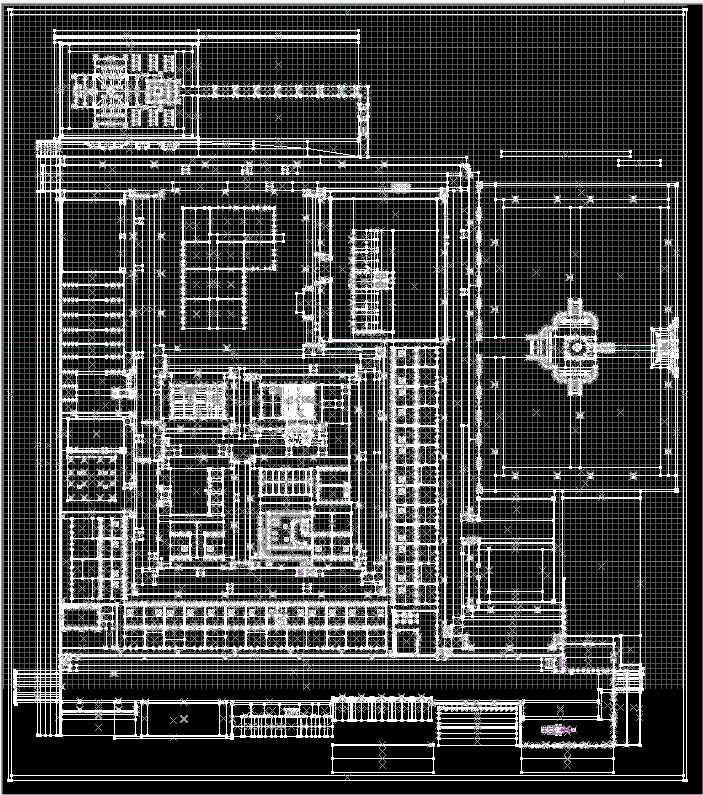
That’s not quite the whole story, however. The map editor I was using; Worldcraft 1.6, had start to show the strains. The first, by no means a real problem but there nonetheless, was that the map was larger than the editor’s gird, that you use to create the brushes on, which meant as I worked on different areas of the map, I had to move the whole map around the available grid. A pain, but nothing more.
56

The next warning sign was after I’d (separately) made a new area of the map; the park, and the pasted it into the main map: “too many visible objects” (which I guessed was down to the number of tress, but I wasn’t sure.
Next, on testing each iteration of the block of flats (which again I was making in a separate test map, and then pasting in) I’d notice that brushes from the new building wouldn’t appear in the editor (they appeared fine in-game when it was compiled though) again, a pain, when trying to visualise how it was looking, and positioning it properly, but nothing some sensible design decisions when planning what you built outside of the main map, and how you guided yourself in lining it up, were made.
The final, and more fatal, issue came about when I had added lights to the flats and then pasted it all in to the  main map. Now, there were a number of grouped collections of lights in the map (grouped so that their values; colour, brightness etc., could be changed quickly and collectively) the streetlights, the park’s lights, individual buildings’ lights etc., but when I added the flats w/ lights and compiled ALL lights in the map had the same values.

Oh dear, I thought stoically, (or, more honestly, *EXPLETIVE-ING EXPLETIVE-ING, EXPLETIVE-EXPLETIVE-ING EXPLETIVE-ER*), as I, not entirely inaccurately, reasoned this was either a) the end of my plans for the map’s size and scope, or b) I’d need to use a new editor. Now, I’m very much an old dog and struggle to learn new stuff, so I was (am) loathe to learn a whole new editor, plus I’m acutely stubborn and didn’t want to give up my plans for the map (again.)
My first turning point was to look at the newest version of Worldcraft; 3.3. I already had it, so it was a reasonably simple job to set it up for earthQuake. Unfortunately it solved little. I then began setting up the Radiant editor for Quake, but I found it ever so slightly impenetrable, coming from Worldcraft. This swapping editors would obviously be something I’m looking at strongly for my next mod, but, and it’s a big but, making a big change, with it’s inevitable learning curve, at this stage of this mod, is not something I really want to do.
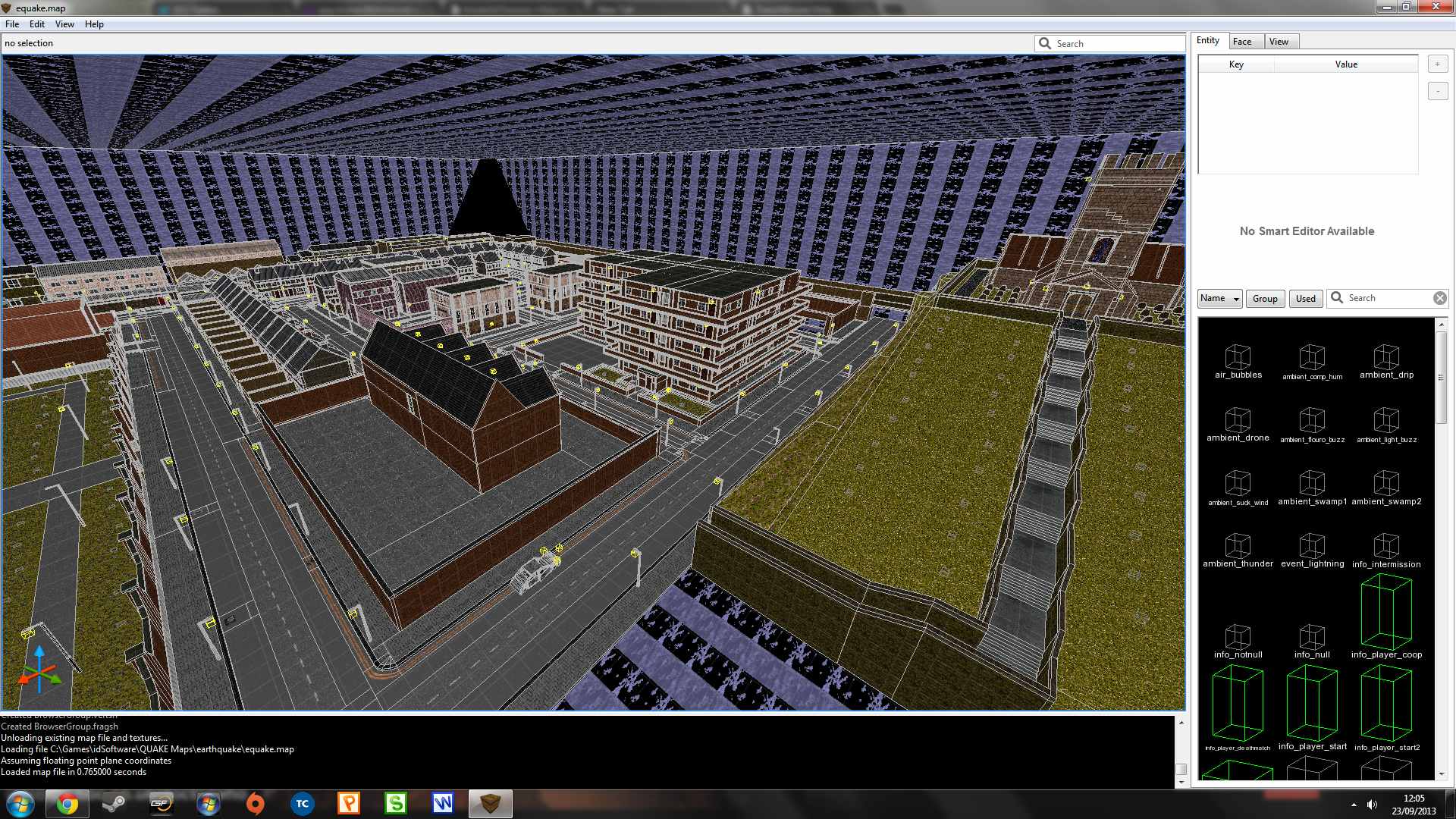
As usual, however, posting on forums, came up trumps, and someone suggested using a newer editor; TrenchBroom, as it was designed to handle larger Quake maps, as well bring modern editor techniques to Quake mapping. It was fairly trouble-free in getting equake.map working in it, and low and behold, there was  my map, all shown completely and correctly, hurrah!
tre

Not only that, it’s simple for me to go into it and make sure that all the lights etc are set up correctly, save it and compile as normal. Now, TrenchBroom does things very differently to Worldcraft (interestingly in a way that really interests me for future mods; it’ll be a choice between using it and Radiant in the future), but I’m not sure I want to go there yet for brush work and creating the level as such. Therefore, my somewhat hokey plan is to continue to use Worldcraft to  make the level, then open it in TrenchBroom to ensure everything is setup, aligned and positioned correctly before compiling. This serves a number of purposes, 1) keeps the map going, 2) Means I don’t have to completely learn a new editor while 3) allowing me to become somewhat used to a new one while I do so.

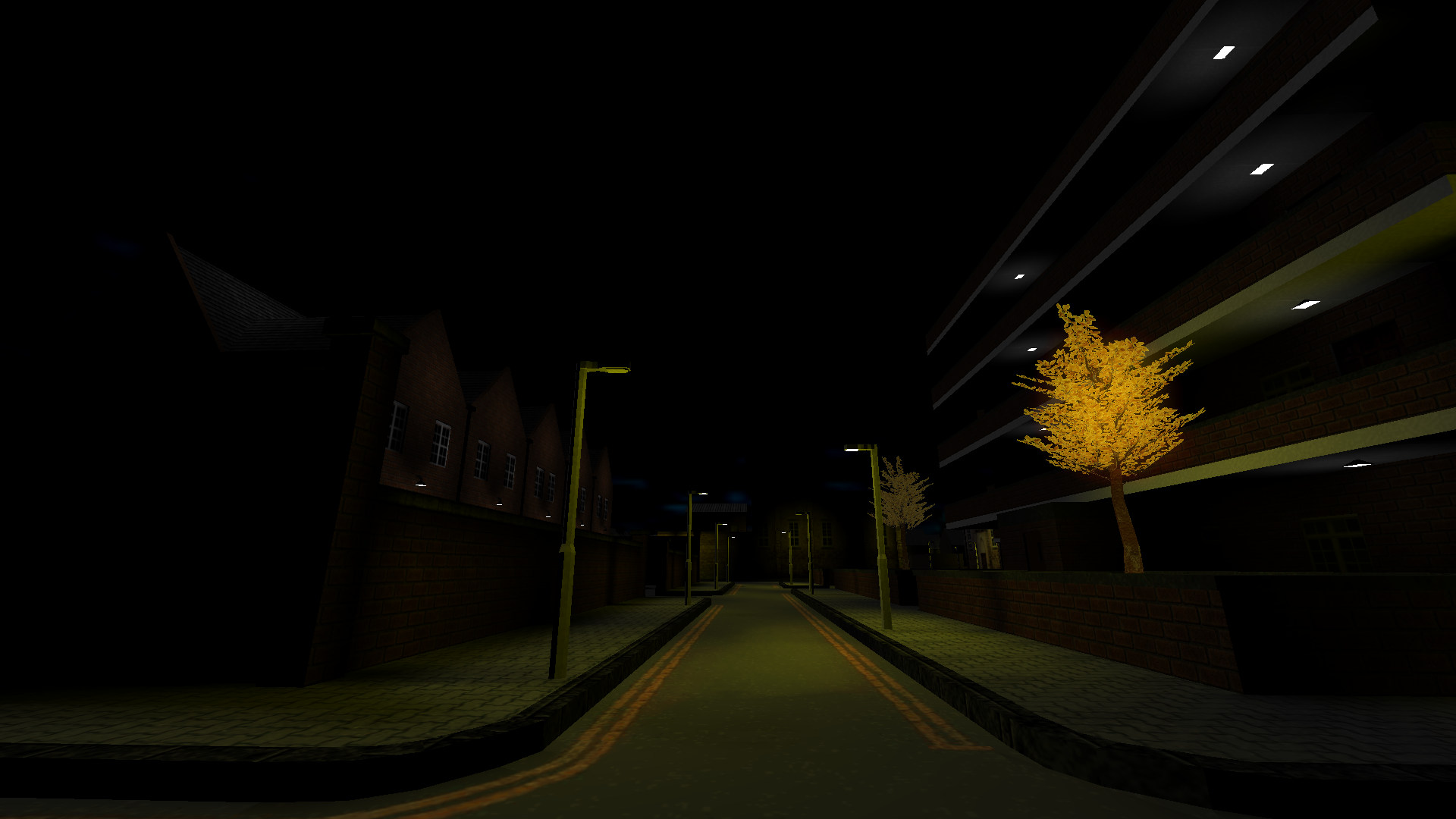
So there it is, the mod and the map is still on. Still lots to do, not entirely sure something else won’t break or fail or put up a fatal problem. There’s lots of structures to make, details to add and efficiencies to employ, but it’s one more hurdle overcome, for now. To end, a new image:
earthquake20130923120311-00

22_09_2013

Images from yesterday’s work. Have removed fog for now; instead I’m using the _sunlight option which gives a minimum light source from one direction and angle into the map. I’m using it at a very low level to make it reminiscent of moon light. Still a work-in-progress feature; I liked fog for it’s atmospheric aspects, but it had it’s problems; visual quality being one.  _sunlight works well, but getting it right (it’s not yet) will take a lot of tweaking.
Also in these shots is the latest iteration of the flats. In spite of the problems the ever increasing size and complexity of the map is giving the level editor (and consequently, me) it’s starting to come together nicely. Not looking forward to running vis at full though 😉
Anyway, to the images:

earthquake20130921234417-00 earthquake20130921234430-00 earthquake20130921234441-00 earthquake20130921234456-00 earthquake20130921234505-00 earthquake20130921234524-00

20_09_2013

The flats are taken shape nicely. Maybe a bit too nicely; I’ve had to re-shape the main map to accommodate it, plus Worldcraft is having some problems displaying all of the brushes – which leads to some placement difficulties.  Anyway, there’s been some complicated mapping over the last couple of days, especially tidying up the internal staircase, building the external stairs, adding all the windows and starting with the doors.
There’s still a couple of errors to fix, missing brushes, the roof (!), placement and some gaps in the ground! Only (?!) the internal doors, details and finishing off the external doors (with a different texture and adding lights in and out.

earthquake20130920201836-00 earthquake20130920201856-00 earthquake20130920201905-00 earthquake20130920201956-00 earthquake20130920202035-00 earthquake20130920202052-00 earthquake20130920202104-00

18_09_2013

A lot of work done today for not a lot of visual impact to be honest! I’ve added all the windows (2×50) to the flats, made all the corridors with two textures, built the entrance and made a rough sketch of the routes within the flats. Still a lot of the outside to finish before the more interesting and gameplay-centric internal details can be done.
– build the balconies on the inside of the “L-shape”
– build roof features and external ‘decorative’ items
– finish the outside base details
– build the destroyed/collapsed area
– add all internal doors

Anyway, screens from the current iteration in the main map:

earthquake20130918191515-00 earthquake20130918191410-00 earthquake20130918191433-00 earthquake20130918191403-00

17_09_2013

Although I’ve been working a lot on “The Flats”; improving the inner walls/textures (still more to do on that) and building in the internal staircase:
earthquake20130917190102-00 earthquake20130917190051-00

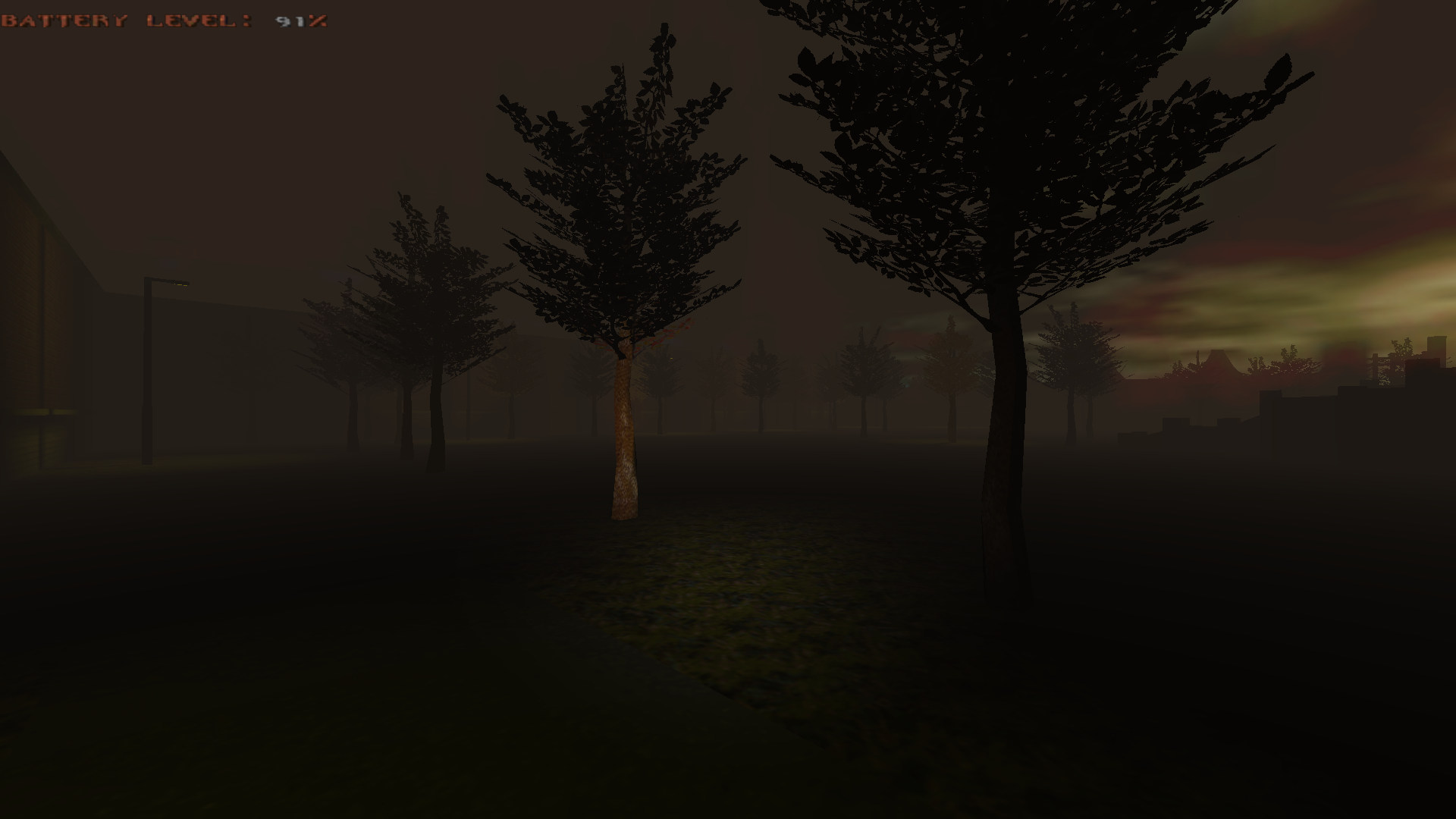
I’ve also been working on improving the area in which they are to be seated once complete. Originally the position of the church, the area was a somewhat messy, complicated accidental meeting place of streets. factories, the church and the school. Although towns often develop in that way, so it didn’t really lose any “realism points”, it was still a mess and the change from the church to the flats gave me the opportunity to tidy it up. Not a great screenshot, but originally it looked like this:
Quake0013

This is viewing the area from the church, there is a walled area behind the factory that block off the road and, as well as looking ugly, unnecessarily complicates the map. With the flats replacing the church I decided to open this area up, remove the walled area and connect the two roads:

earthquake20130917172349-00 earthquake20130917172339-00

The flats are coming along slowly, but are showing promise in terms of opportunities for gameplay, (hopefully) dramatic visuals and creepy environments – the detail, repetitive and tricky work needed to get to that point is going to tale a long time mind.


14_09_2013 ~ 2

Planning Permission

I’m starting the process of transforming what was a placeholder shell into an accessible, complicated, large and, in gameplay terms, significant environment in the map. It’s going to be a lot of work.
The building is currently divided into 50 potential flats. However, not all will be accessible to the player. This is partly to give some flow to the gameplay within the building, but also due to the practicality of mapping the internal details of 50 flats. Additionally, there will be some significant damage to the building.

Starting out though, I’ve only broadly ‘sketched’ out the details of which will be usable flats and which will not be; this is partly due the disorganised way I work, but also that I want some flexibility in how I map the building and develop the flow of the gameplay. Flexibility is therefore an important characteristic to build in as I start constructing the shell (walls, floors, ceilings etc) – consequently each of the internal and external walls, the floors and ceilings etc, are made of individual flat-size brushes. This therefore makes it easier as the building develops to both construct individual flats and also deconstruct areas that are damaged. It also makes it simpler to add details such as doors and windows and any ‘surprise’ gameplay elements. (Sssh)

In editor wireframe:
flat2

In editor textured:
flat1

Once I’m happy with layout and construction and it’s finalised, I may well reduce the number of brushes, but that’s a way off. The building remains obviously very basic at the moment. As well as destroying it, making it an interesting and atmospheric environment I’ve also got to add both stairs and a lift, external walkways and a small surrounding car park/pavement area. I’ll be glad to get this done by Xmas…

14_09_2103

Park-ed

Tinkered a little with the park; reduced, but brightened, the street lights, added spot lights in the pond (don’t really work, will be binned/replaced) a light in the doorway at the rear, reduced the thickness of the gates and adjusted the front wall. Placed in the main map, where it will stay in it’s current form until some final tinkering. It’s quite cool to see other parts of the map from the park, especially the church, as it starts to show the (comparative, at least), scale of the level.

earthquake20130914135444-00 earthquake20130914135501-00 earthquake20130914135552-00 earthquake20130914135621-00 earthquake20130914135659-00 earthquake20130914135721-00 earthquake20130914135740-00 earthquake20130914135833-00

13_09_2013

Park Life Update

Work has gone really well on the park. I’ve finished the fountain centerpiece, the surrounding walls and the background building. I’ve finished the front wall, though I may add a gate at a later date. So, most of the structures are in place and intact. Street lights have been added; a variation in black of the main ones, again I may change these to a new type, given time and motivation. There’s a liberal amount of trees (they’re .md3 trees, so another thing breaking overall engine compatibility!) – I may add more, though I’m loathe to make it too intricate and ‘busy’.
The light levels I’m not so pleased with; it’s meant to be a particularly dark place, but as I’ve mentioned before fog tends to brighten the overall map brightness, so I’m trying to keep the street lights low, however make them too dull and they fail to stand out in the way they should – too bright and the spooky/darkness is ruined. I think I may have to have some of the lights not working and the working ones brighter. W.I.P.
The screenshots below therefore, show the park in a still not 100% state, and, not as yet, in the main map – I’ll copy it over later and see how it looks and feels. Happy days though, another successful bit of mapping.

earthquake20130913161641-00 earthquake20130913161654-00 earthquake20130913161658-00 earthquake20130913161715-00 earthquake20130913161729-00 earthquake20130913161750-00 earthquake20130913161812-00 earthquake20130913161835-00

11_09_2013

Park Life

Beginnings of the park. I’ve been planning to have a park, but for a number of reasons I’ve been undecided both about the nature of the park (e.g. concrete play area, ‘grassy’ etc) and it’s position. However, moving the church and subsequently the flats have made the park’s position an easy decision and I’ve also decided that the park’s going to be a small, grassy, “London-esque” park.
Early days so far, but I’ve started with the fountain area at the centre of the park. Took some careful vertex tool work, but I’m pretty happy with how it’s turned out. The following images are of it placed in the test map, so the lighting is quite a bit off. The final pic is of it in the editor.

earthquake20130911122824-00 earthquake20130911122805-00 earthquake20130911122752-00 Image2

08_09_2013

Burn baby burn

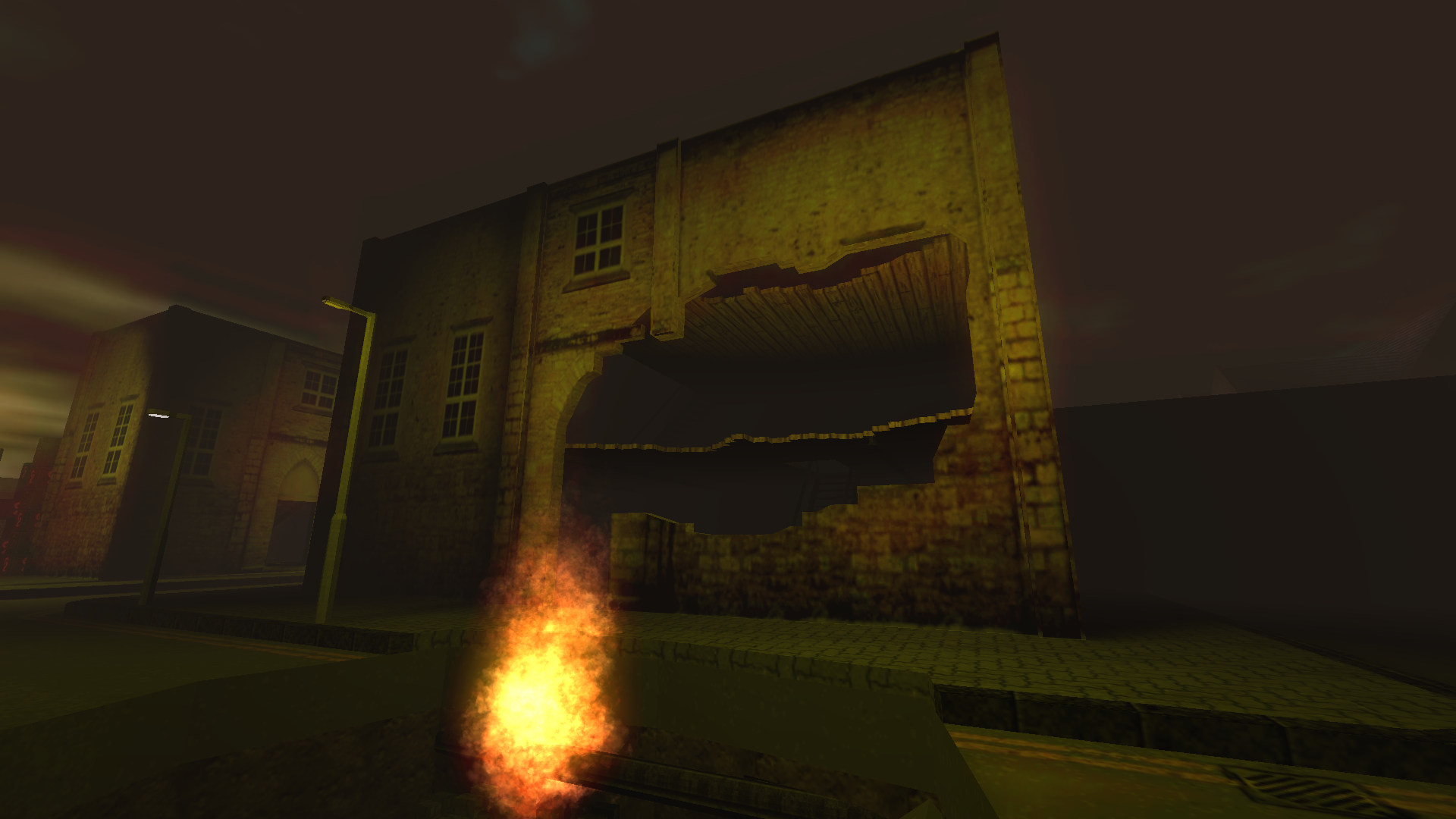
Today I’ve been playing with fire effects. The original fire had been developed firstly by the particle system in Darkplaces by LordHavoc, then Chip added a good framework for realistic fire by adding TE_FOC to effectinfo.txt, then developed further into a more mapper-friendly version by Seven and others. (Feel free to correct me if I’ve got that wrong, just my understanding of it).

Anyway I tinkered with eQ:GoD’s version to something that (for now at least) I’m happy with.
earthquake20130908211344-00

But I clearly don’t want only one type of fire effect in the mod, therefore I’m going to have to add new versions, with different parameters to give me different types. The first of which is for the ruptured gas pipe in the hole outside the newly destroyed warehouse, the first iteration of which was:

earthquake20130906191957-00

That’s obviously not too consistent with a gas fueled fire, so I went about adding a new fire effect: TE_PIPEFIRE. The major differences of which are the colour (blue-ish) and that it rises far more quickly than the standard fire (which you obviously can’t tell from the screenshot 😉 )

earthquake20130908220050-00

It’s slightly narrower too. Anyway, as per my usual appraisal of developments; “I’m happy with it for now, but, like anything, it’s subject to change and/or tinkering” 🙂